Magellan Platform Introduction
Magellan is an online SaaS management platform for whole-home smart and project-based service companies. Without building their own servers, companies can use capabilities such as customer management, proposals, projects, purchasing, inventory, finance, after-sales service, and analytics through web and mobile access.
The platform is suitable for teams that are upgrading from spreadsheets, WeChat groups, and paper documents to systematic management. It is also suitable for brand owners who want to provide dealers with unified digital business tools.
Product Positioning
| Dimension | Description |
|---|---|
| Industry scenarios | Whole-home smart, smart home, system integration, smart engineering, home decoration supporting services. |
| Users | Dealers, agents, integrators, brand service providers, project delivery teams. |
| Delivery method | Online use, subscription by plan, advanced apps activated as needed. |
| Management goals | Standardize processes, improve collaboration, accumulate data, and support business decision-making. |
Core Value
| Value | Description |
|---|---|
| Unified business entry | Centralizes customers, proposals, projects, purchasing, inventory, finance, and after-sales service in one platform. |
| Standardized project delivery | Uses milestones, photos, inspections, acceptance, and signatures to record the delivery process. |
| Connected supply chain | Connects contract products, requisitions, purchasing, stock-in, stock-out, and project shipment. |
| Accumulated business data | Business execution naturally generates data for dashboard analysis and review. |
| Channel enablement support | Serves dealers through product libraries, malls, WeCom, official accounts, and brand configuration. |
Feature Scope
| Module | Typical Capabilities |
|---|---|
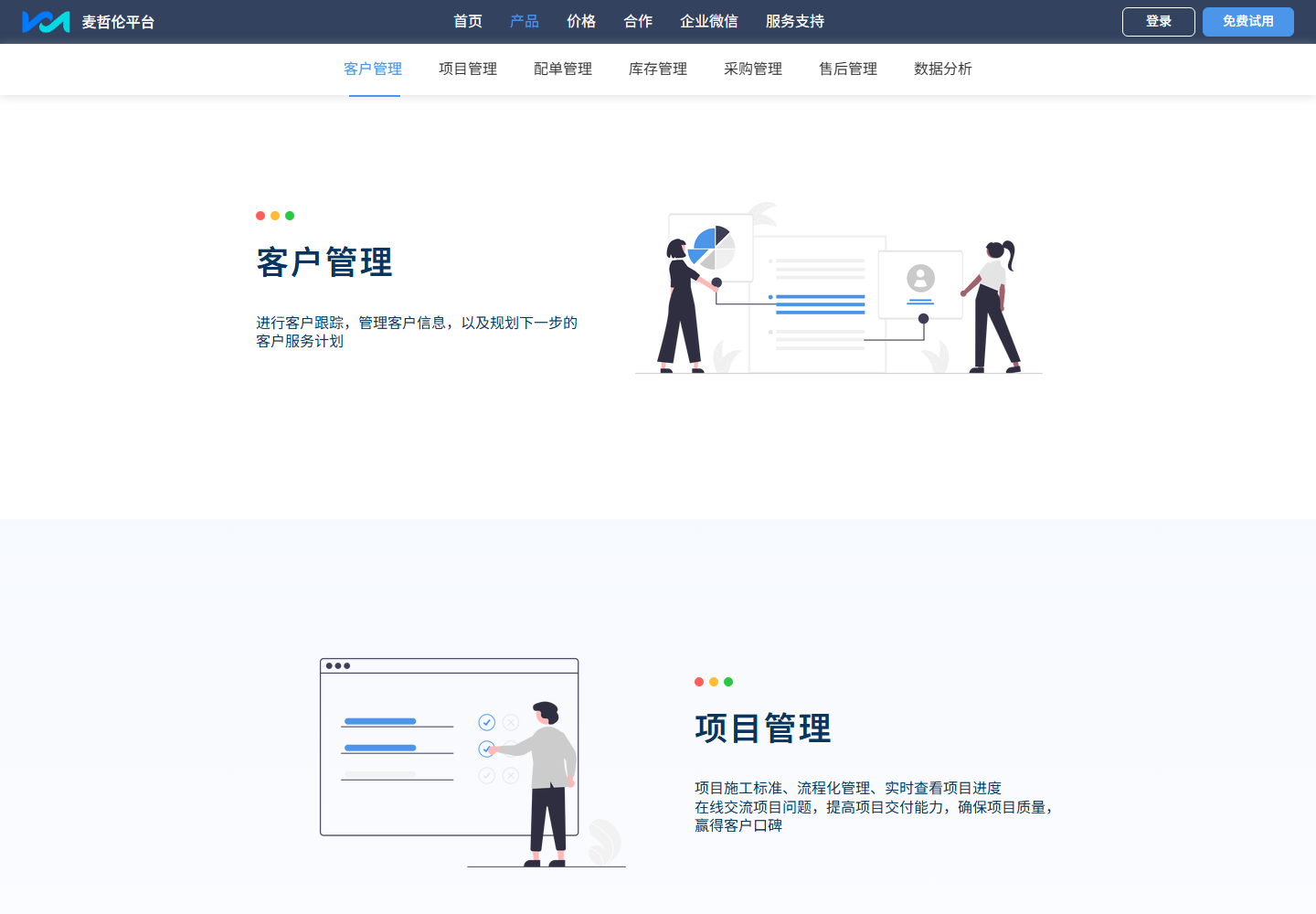
| Pre-sales | Customer pool, lead follow-up, quick quotation, proposal design, proposal sharing. |
| In-sales | Contract signing, project dispatch, construction milestones, purchasing and stock-up, inventory stock-in/out. |
| After-sales | Repair tickets, repair dispatch, supplier after-sales, service record accumulation. |
| Management | Organization permissions, approval flows, notification channels, analytics, financial accounting. |
Launch Path
- Configure organization structure, employee accounts, role permissions, and approval flows.
- Import the product library and maintain brands, models, prices, and common categories.
- Select one real business case and run the full process from customer to after-sales service.
- Train sales, construction, purchasing, warehouse, finance, and after-sales staff by role.
- Use analytics to review customer conversion, project progress, inventory, and payments.
- Activate advanced apps such as WeCom, official account, SMS, mall, and e-contract as needed.
Who Should Use It First
- One-person or small teams: first run customer follow-up and proposal quotation.
- Teams within 5 people: focus on project, purchasing, inventory, finance, and after-sales modules.
- Growing companies: focus on building permissions, approvals, warehouses, finance, and analytics systems.
- Brand or channel organizations: focus on using product libraries, malls, and advanced apps to enable downstream partners.